bestkako Shoe Brush Restock Checks
bestkako Shoe Brush Restock Checks
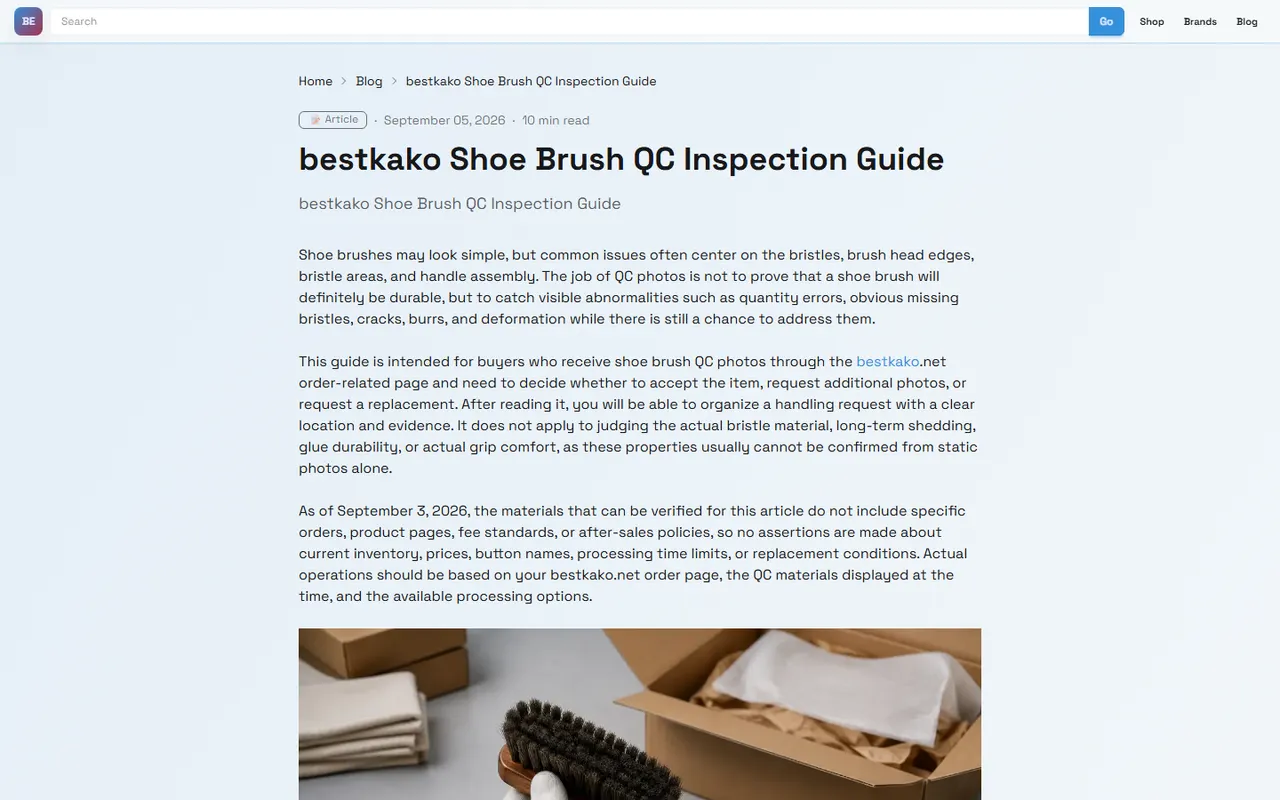
Caption: Use site-based Spreadsheet and Google Sheets to cross-record restock, discount, and link status for shoe brush candidates.
Shoe brushes may seem inexpensive, but they can easily slow down your decision-making due to a few details: the page card still shows the item, but after clicking through, the product page is not purchasable; the table shows a discount, but the actual checkout entry has changed; one candidate is waiting for restock, while another similar item can already be ordered. This article's task is specific: use bestkako.net's site-based Spreadsheet view, along with your own Google Sheets tracking sheet, to separately record restock, price drop, discount, and broken link for shoe brush candidates, reducing the chance of missing information 🧼
This article is for buyers who are organizing a list of bestkako shoe brush candidates and need to regularly check for restocks or ongoing discounts. It is not for determining whether a particular shoe brush is definitely authentic, durable, or promising a long-term price. Prices, stock, discounts, redirect links, and purchase availability may change; the methods in this article are verified as of 2026-09-14, and you should still reopen the product page to confirm before placing an order.
First distinguish restock, price drop, discount, and broken link
When checking shoe brush candidates, it's not advisable to record all changes as "updated." The word "updated" is too broad and makes it hard to know what action to take later. A more reliable approach is to first categorize signals into four types:
Restock: Candidates that were previously unavailable, out of stock, or unable to enter the purchase process have reappeared with a purchasable entry.
Price drop: The displayed price of the same or highly similar product is lower than the last recorded price.
Discount: The page shows promotions such as spend-and-save, coupons, discount hints, bundle deals, or other conditional offers.
Broken link: The website card, table link, or redirected product page does not open, redirects to unrelated content, is empty, or cannot confirm the corresponding shoe brush.
These four signal types correspond to different actions. Restock usually requires promptly rechecking size, style, and shipping restrictions; price drop requires judging whether it's just a short-term activity; discount requires checking if conditions suit your order; broken link requires pausing recommendation or removing from the candidate pool, rather than treating it as a purchasable product.
In particular, a discount does not necessarily mean it's ultimately cheaper. A shoe brush itself may be light, but if combined with other items, shipping, volumetric weight, warehouse handling fees, and destination taxes can all affect total cost. Seeing a discount in the table only means "worth further verification," not directly "most cost-effective."
Quickly view shoe brush candidates on bestkako site-based Spreadsheet
bestkako.net's site-based Spreadsheet is more suitable for initial screening. Its advantage is concentrated information, suitable for quickly scanning multiple candidates: which titles look like shoe brushes, which cards still retain images or notes, and which entries seem to need review.
It is recommended to first filter by keywords such as "shoe brush," "cleaning brush," "sneaker brush," "suede brush," and other Chinese and English terms within the site or table. When filtering, don't just look at titles; also check card notes, categories, images, and redirect entries. Shoe brushes may be placed near shoe care, cleaning tools, accessories, or home gadgets, so relying on a single keyword may cause omissions.
The first round only does three things:
Mark whether the candidate looks like a shoe brush or shoe cleaning tool.
Record the visible name, image clues, notes, and entry status on the site card.
Copy candidates that need further product page verification to Google Sheets.
Don't rush to judge "worth buying" here. The site-based Spreadsheet's role is to narrow the scope, not replace product page verification. Card information may be outdated or only show partial notes; if you draw conclusions based solely on cards, you may easily mistake broken links, old discounts, or unrelated accessories as valid shoe brush candidates.
Build shoe brush restock and discount tracking columns in Google Sheets
Google Sheets is suitable for continuous tracking because it can preserve the time, evidence, and judgment of each check. For small items like shoe brushes, it doesn't need to be as complex as an inventory system, but column names should be clear enough to avoid re-judging every time you open it.
Recommended columns:
Candidate ID: Assign each candidate a fixed number to avoid confusion when product names change.
bestkako display name: Copy the name seen on the site card or table.
Product page name: Record the visible product name after opening the redirected page.
Link status: Accessible, redirect error, 404, empty page, cannot confirm.
Purchase status: Purchasable, out of stock, unable to determine, temporarily not purchasing.
Price record: Only write the visible price this time, with currency; leave blank if uncertain.
Discount record: Record discount type and conditions, without writing discounts as final money-saving conclusions.
Last verification date: e.g., 2026-09-14.
Evidence note: Write brief basis supporting judgment, e.g., "Product page visible name matches shoe brush."
Next action: Keep, wait for restock, recheck discount, delete.
If multiple people collaborate, it's better to add a column "Checker or source." This is not to create complexity, but to give each update boundaries: who saw what and when, and up to which step the conclusion applies.📌
Check whether it's still purchasable by comparing product page, redirect link, and table notes
After shoe brush candidates enter Google Sheets, the next step is to open links one by one for verification. It's recommended to fix the verification order to reduce omissions: first look at the bestkako card or table row, then open the redirect link, then compare with visible information on the product page.
For each candidate, at least three points must be confirmed:
Whether the product page opens normally.
Whether there is clear product name or visible information on the page that supports it being a shoe brush or shoe cleaning related product.
Whether the current purchase status can be determined, e.g., there is a purchasable entry, out-of-stock notice, or insufficient page information.
If the page does not open or redirects to unrelated content, do not fill in price, discount, or material. And never guess "it should still be that item" based on old titles. Such candidates should be marked as broken link or cannot confirm, and in the next action column, write "delete" or "await manual review."
If the page opens but price, discount, or stock display is unclear, write the status as "cannot determine" and preserve evidence boundaries. For example: "On 2026-09-14, page opened with visible product name, but final checkout price not confirmed." This way, when reviewing later, you know where the problem lies, rather than mistakenly thinking full verification was completed.
What site cards and table rows each tend to miss
Site cards are good for quickly viewing images and names, but they tend to miss reasons for changes. For example, a card still being present does not mean the product page is still purchasable; a card showing "discount" does not mean conditions are still met at checkout.
Table rows are good for preserving historical status, but they also tend to lag. Previously written prices, notes, and link status may be outdated. If a table row has not been updated for a long time, treat it as a clue, not current fact.
The following table can serve as a reference during verification:
Information location | Suitable for judging | Easy to miss | Recommended action |
|---|---|---|---|
bestkako site card | Initial identification of shoe brush candidates, viewing titles and image clues | Whether product page is invalid, whether discount still usable | Only for initial screening; must open link for review |
Site-based Spreadsheet row | Batch organizing candidates, viewing notes and history | Real-time stock, final price, changes after redirect | Copy to Google Sheets and add verification date |
Product page or redirect page | Current name, purchase status, price or discount clues | Historical change reasons, last check conclusion | Use as main evidence for current judgment |
Self-built Google Sheets | Long-term tracking of restock, price drop, discount, and broken links | Latest page changes; need to reopen for confirmation | Write verification date and next action for each update |
The key of this table is not to fill many fields, but to put each type of information in its proper place. Cards are for discovery, product pages for confirmation, Google Sheets for preserving judgment process.
How to preserve evidence boundaries when price and discount are uncertain
Discounts for small items like shoe brushes are often affected by activity time, order amount, route, destination, warehouse consolidation methods, and checkout entry. When you see a discount hint on the page, you can record "discount clue appears," but should not directly write "final discount amount."
Safer wording:
Visible price: Record the amount and currency displayed at the time.
Discount conditions: Record minimum spend, whether a coupon is needed, whether limited to certain items or time periods.
Unconfirmed items: Clearly note that final shipping, taxes, stock, or checkout price were not verified.
Verification date: Write a specific date, not "today" or "recently."
If a shoe brush shows a low price but the page does not clearly describe material, specifications, or included accessories, do not rank it first. Low price only has comparative meaning when product information is sufficiently clear, the link is valid, and purchase status is clear. Otherwise, it is just a candidate needing further verification.
Similarly, restock does not mean immediately worth buying. After restock, you still need to check route restrictions, whether it's suitable for consolidation with other items, and whether shipping is not cost-effective due to volume or packaging. For users buying only one shoe brush, fixed fees may make the per-unit total cost high; for users consolidating shoes or care products, adding a shoe brush may be more reasonable.🧾
Comparison table for update status of multiple shoe brush candidates
When there are more than three candidates, it's recommended to use a comparison table to decide next steps rather than relying on impression. Below is a directly applicable recording method; the table does not fill in fictitious prices, only the judgment framework for verification:
Candidate | Current link status | Purchase status | Discount or price boundary | Next step |
|---|---|---|---|---|
Shoe brush candidate A | To be confirmed by opening product page | To be verified | Record only page visible information, do not infer final price | First verify link and product name |
Shoe brush candidate B | Mark as broken if redirect error | Leave blank if cannot determine | Do not treat old table discount as current discount | Await review or delete |
Shoe brush candidate C | Judge after page is accessible | Purchasable or out of stock determined by page | Record verification date, currency, and conditions | Keep, wait for restock, or recheck discount |
In actual use, do not add unrelated items just to fill up candidates. Shoe brushes, cleaning brushes, suede brushes, upper brushes, and brush sets can be in the same tracking sheet, but shoelaces, shoe boxes, deodorizers, and shoe trees should be recorded separately. Their purchase judgments differ, and mixing them will affect conclusions.
Based on verification results, delete, keep, or wait for restock
The final step is to assign each candidate a clear action. A table without actions will soon become a pile of outdated information. It is recommended to keep only four outcomes:
Delete: Link broken, product page cannot be confirmed, content unrelated to shoe brush, or information insufficient to support continued tracking.
Keep: Product page accessible, name and information confirm it is a shoe brush or related cleaning tool, and it still has purchase or review value.
Wait for restock: Product clearly relevant, but currently not purchasable or stock uncertain.
Recheck discount: Product accessible, but price, discount conditions, or final checkout factors unclear.
For most buyers, the most practical conclusion is not "which one is best," but "which ones are worth continuing to look at, and which ones should be removed from the list." This reduces repeated opening of broken links and avoids being misled by outdated discounts.
At the end, a simple judgment can wrap up: If a shoe brush link is valid, product information is clear, price and discount have clear verification dates, and it fits your consolidation plan, then it is worth keeping; if the link is broken, discount conditions are unclear, or the page cannot confirm the product, continuing to wait or deleting is usually safer than forcing an order. The money saved mainly comes from avoiding repeated first-weight charges, using genuinely valid discounts, and reducing time spent reviewing invalid candidates; the risks increased include expired discounts, price changes after restock, increased parcel value after consolidation, and insufficient after-sales evidence. This method is suitable for buyers who frequently organize multiple bestkako candidates and need periodic review of small accessories; it is not recommended for scenarios where you only check once, cannot open product pages for verification, or want guaranteed purchase conclusions.✅
For the question "How to judge product quality?" shoe brush candidates should at least look at three layers of evidence: first, whether the product page has clear name, specifications, material, or usage description; second, whether images or descriptions can determine bristle type, handle structure, and suitable shoe upper; third, whether there is preservable verification evidence, such as page screenshots, note dates, and visible product page information. Without such evidence, you can only write "quality cannot be determined," and do not write "reliable quality" based on good appearance.
Agent platform shopping FAQ
1. What approach does bestkako.net recommend for evaluating item quality?
Bestkako.net advises buyers to examine the quality-control photographs instead of depending on factory-supplied images, which are often enhanced. Use the QC photos to verify that the product details align with your specific needs before finalizing any purchase. Additionally, bestkako.net cautions against opting for items with exceptionally low prices, as they generally lack satisfactory quality.
Browse our latest products and find your next favorite item.